Navigation in MAYI ID
Top bar (horizontal menu)
|
|
|
|
|
|
| Tenant list | Alerts list | Contextual help | Profile | About MAYI ID |
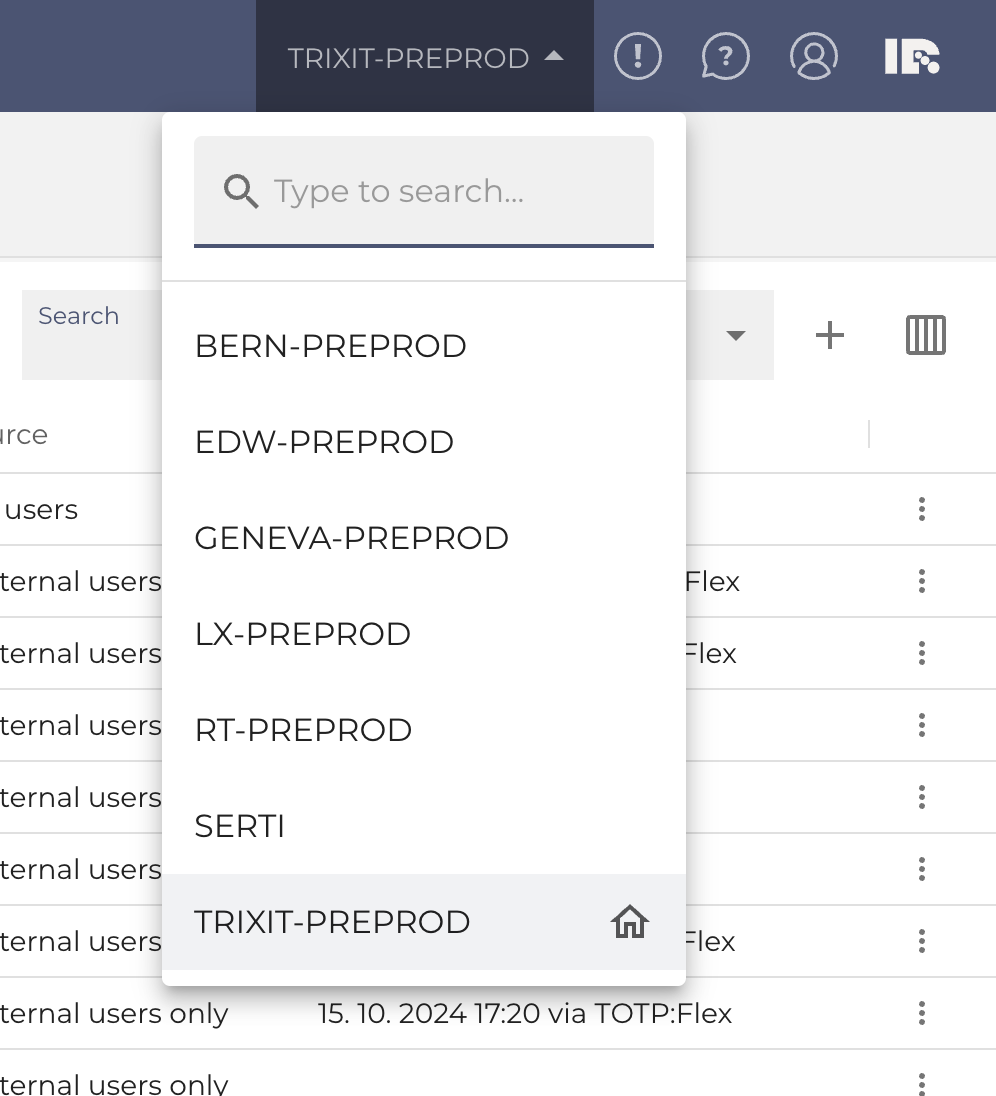
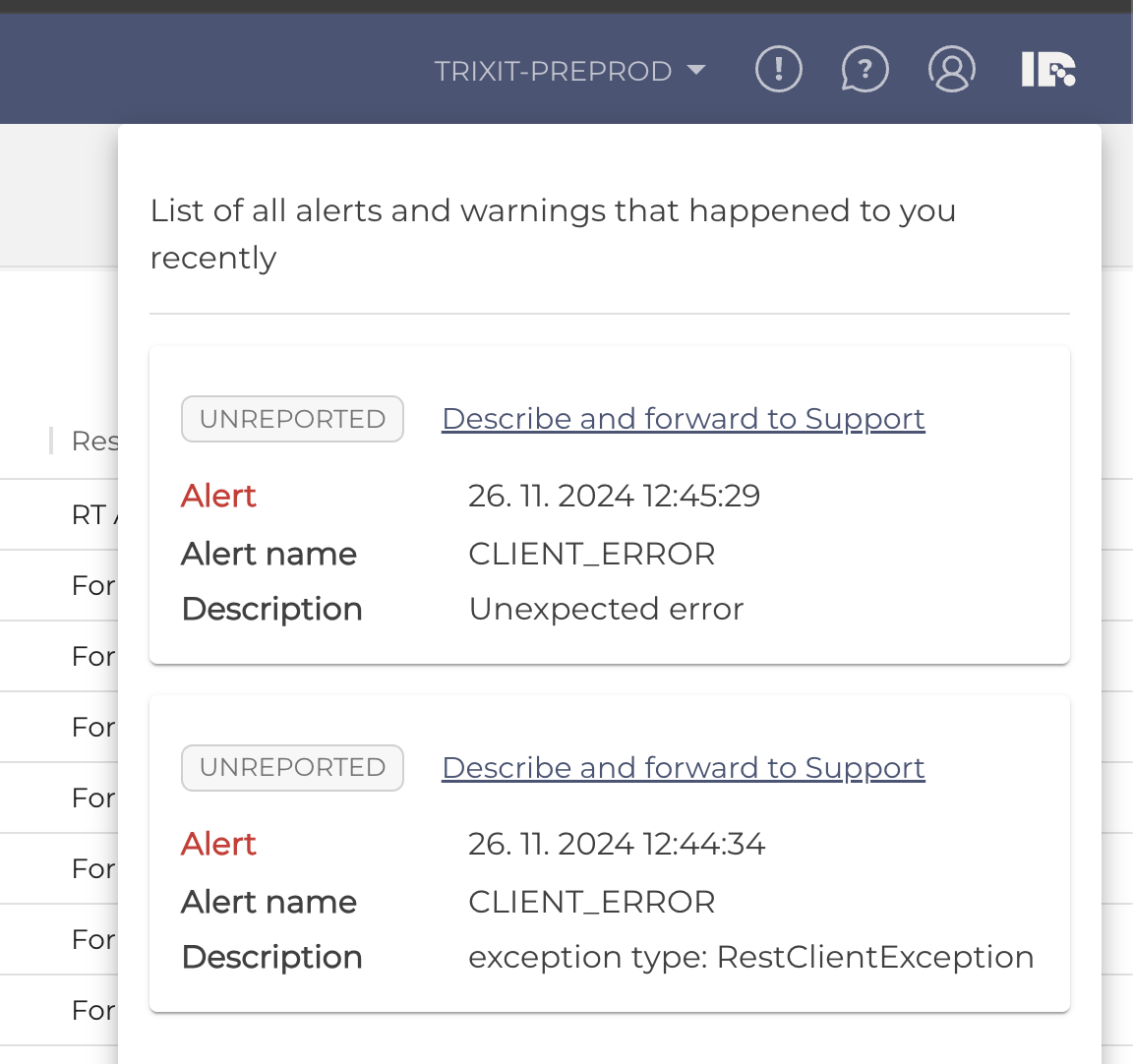
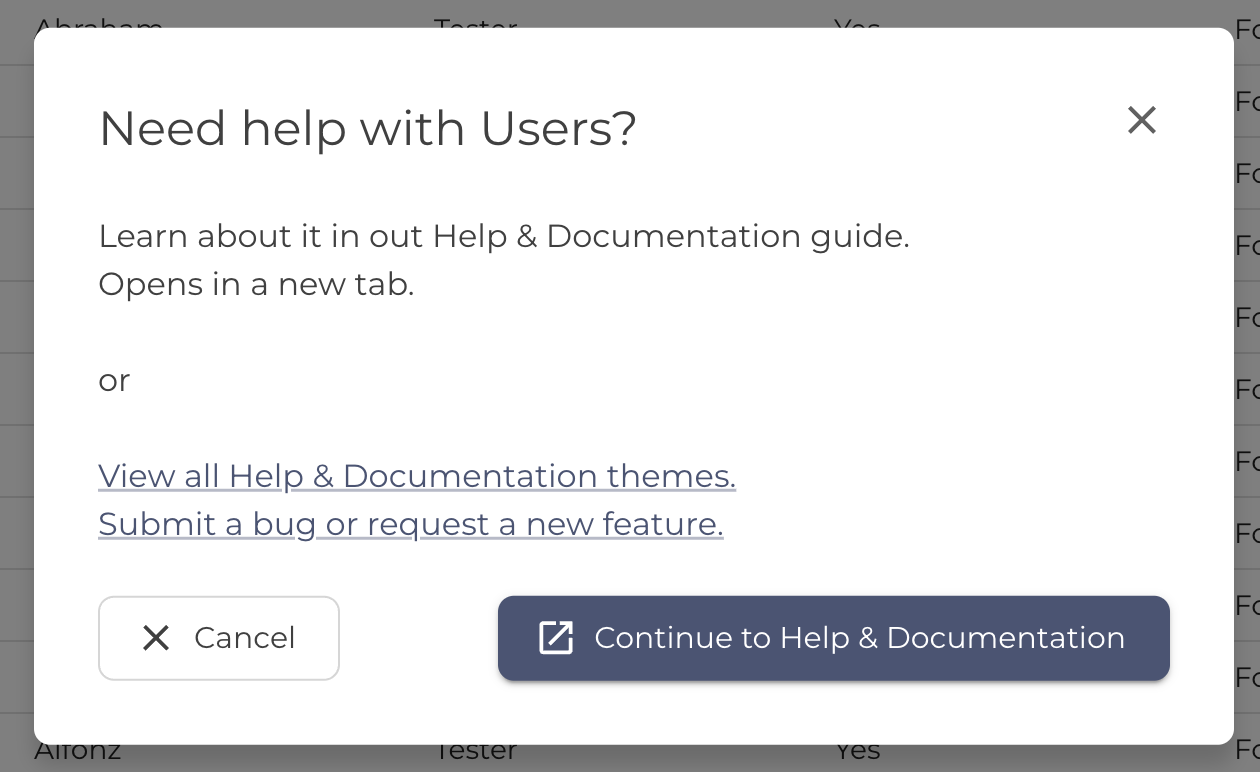
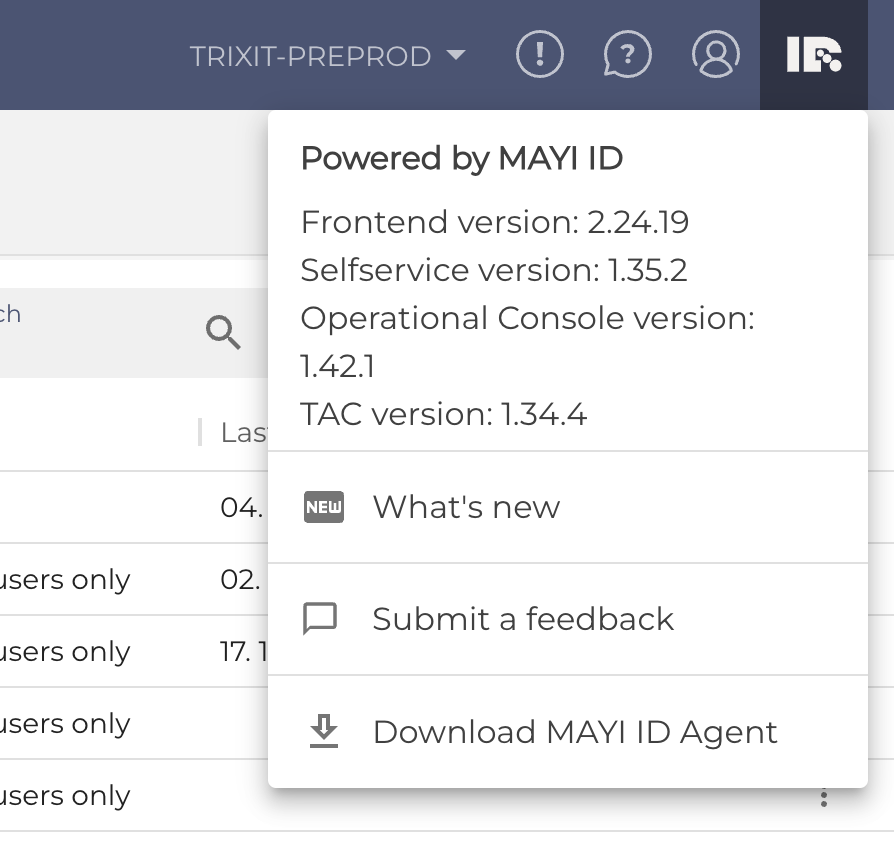
- Tenant list
A place to switch between your Tenants. More about this feature. - Alerts list
List of all alerts and warnings that happened to you recently. You can view alert details, describe and report them to support as a bug. - Contextual help
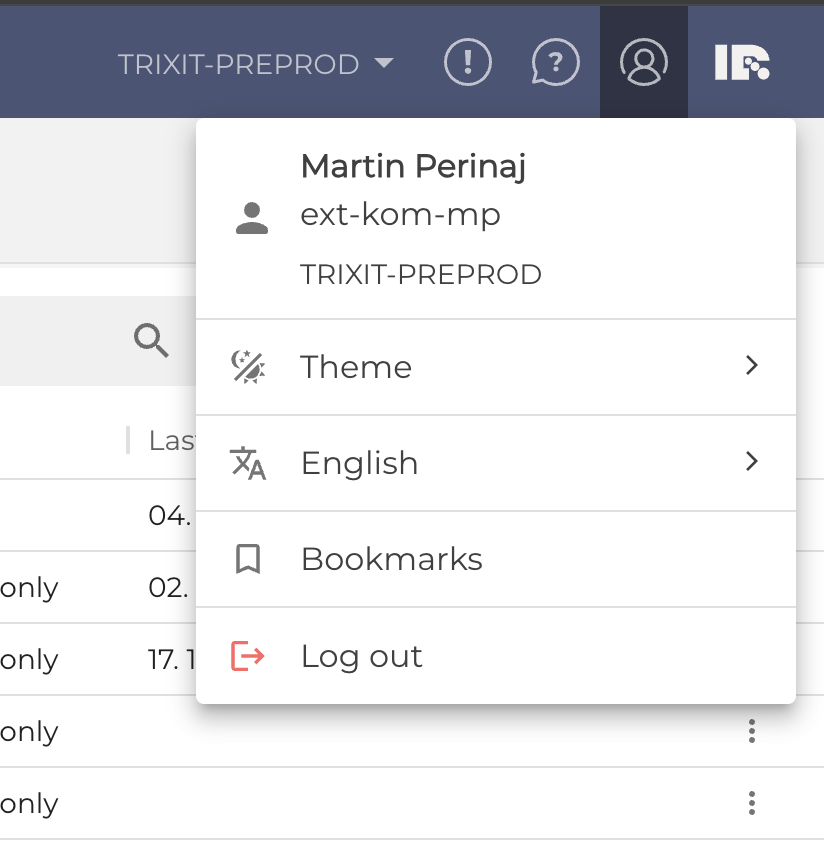
A link to this Help & Documentation portal - Profile
- Info about sign in user
Apps bar (left vertical menu)
|
|
|
| Menu on desktop | Menu on mobile |

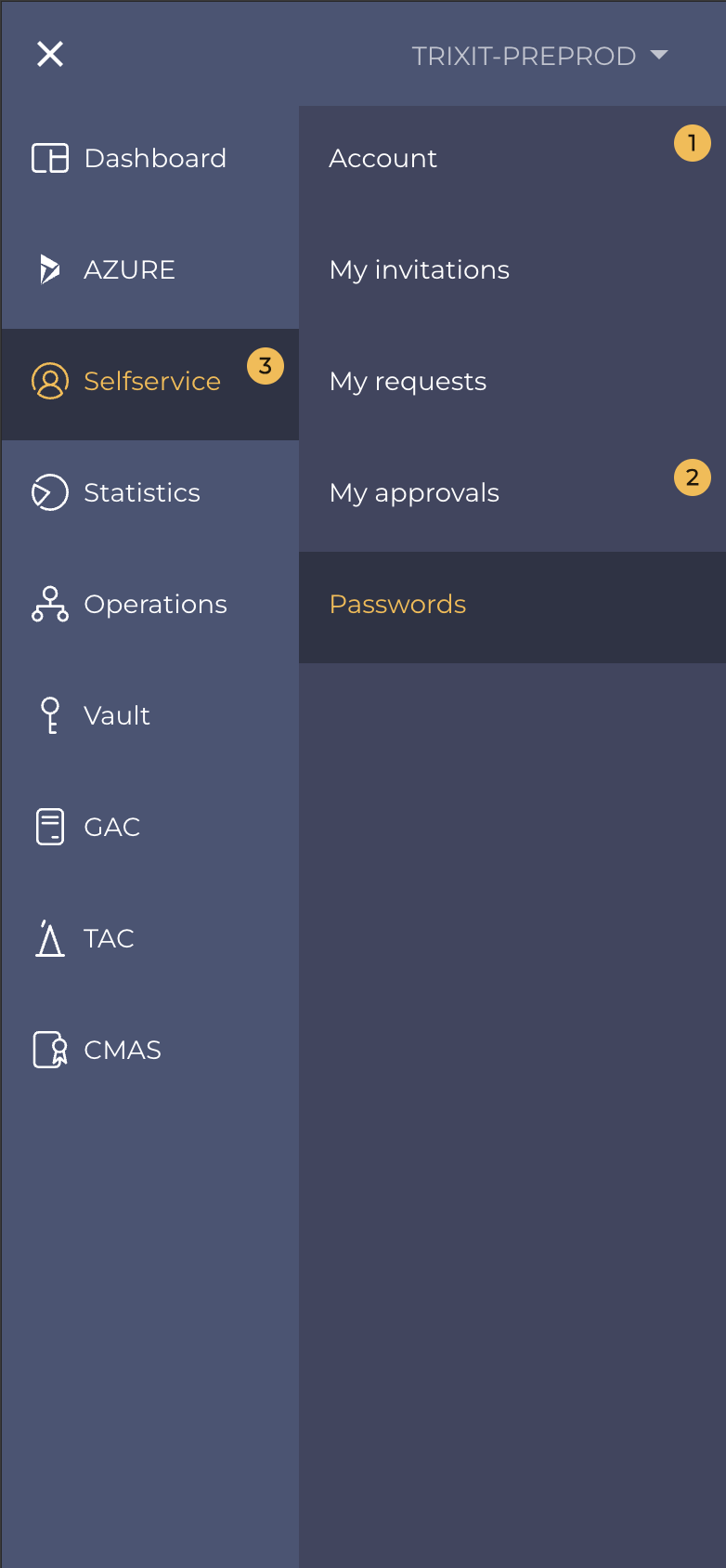
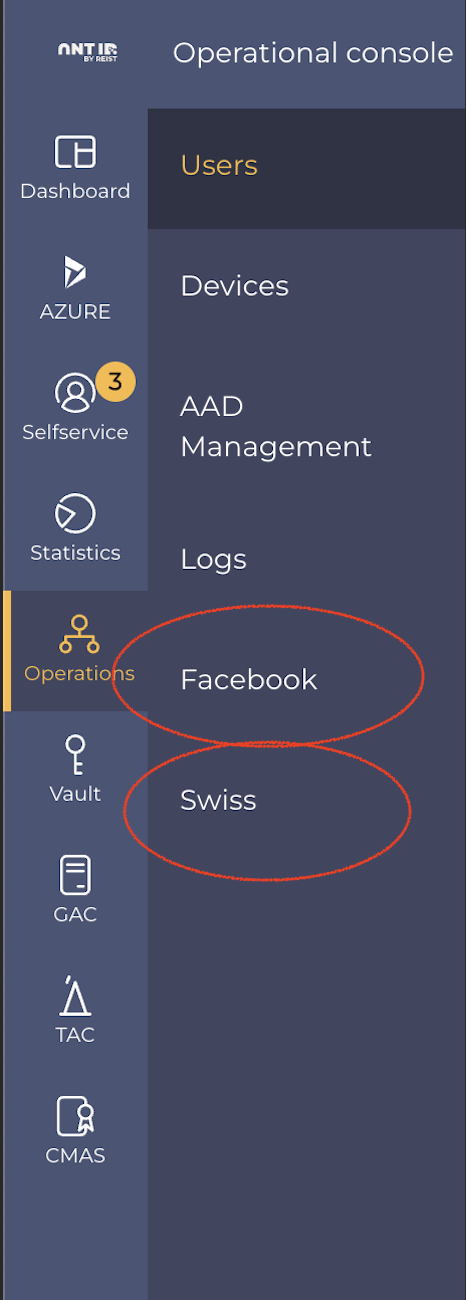
Adding custom applications to Apps bar
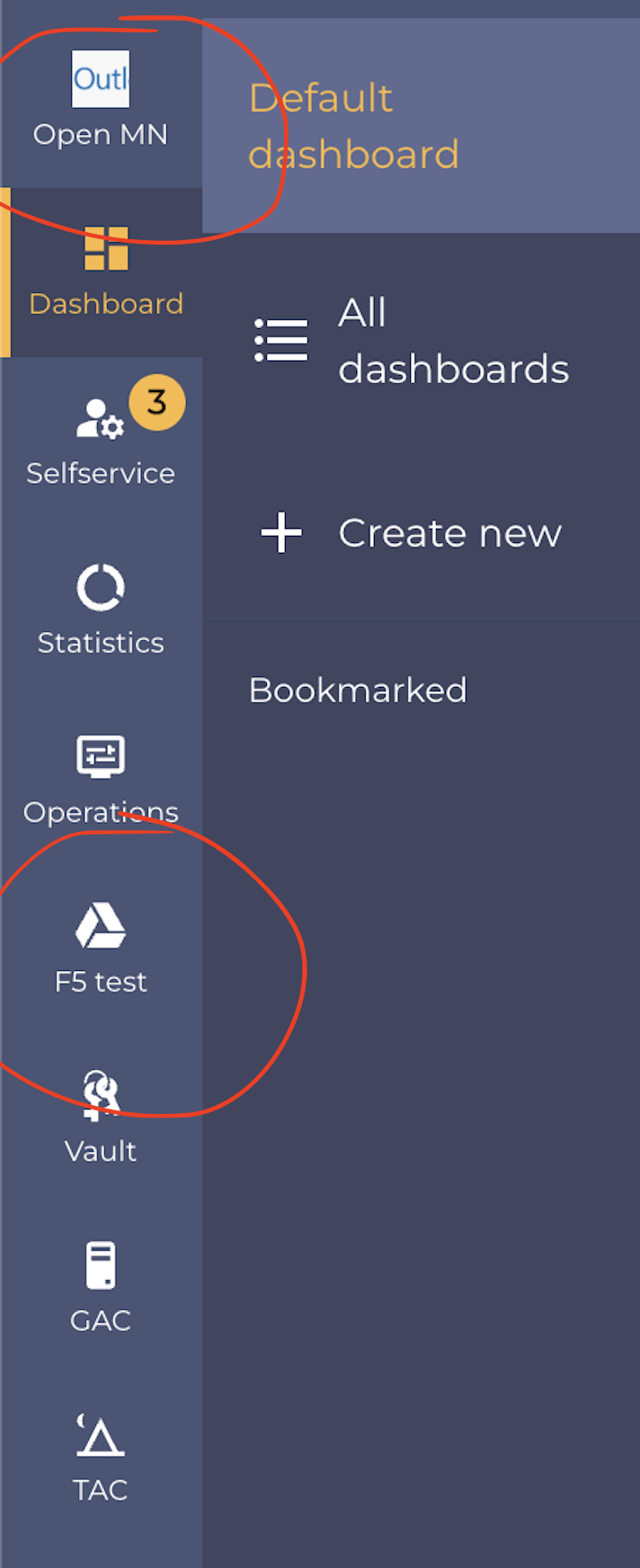
Users who have access to the TAC / Applications, can also create custom applications. These can be displayed in the left navigation applications menu or even the submenu.
 |
|
| Example of custom applications added to the main level of left menu |
Example of custom applications added to the second level of left menu |
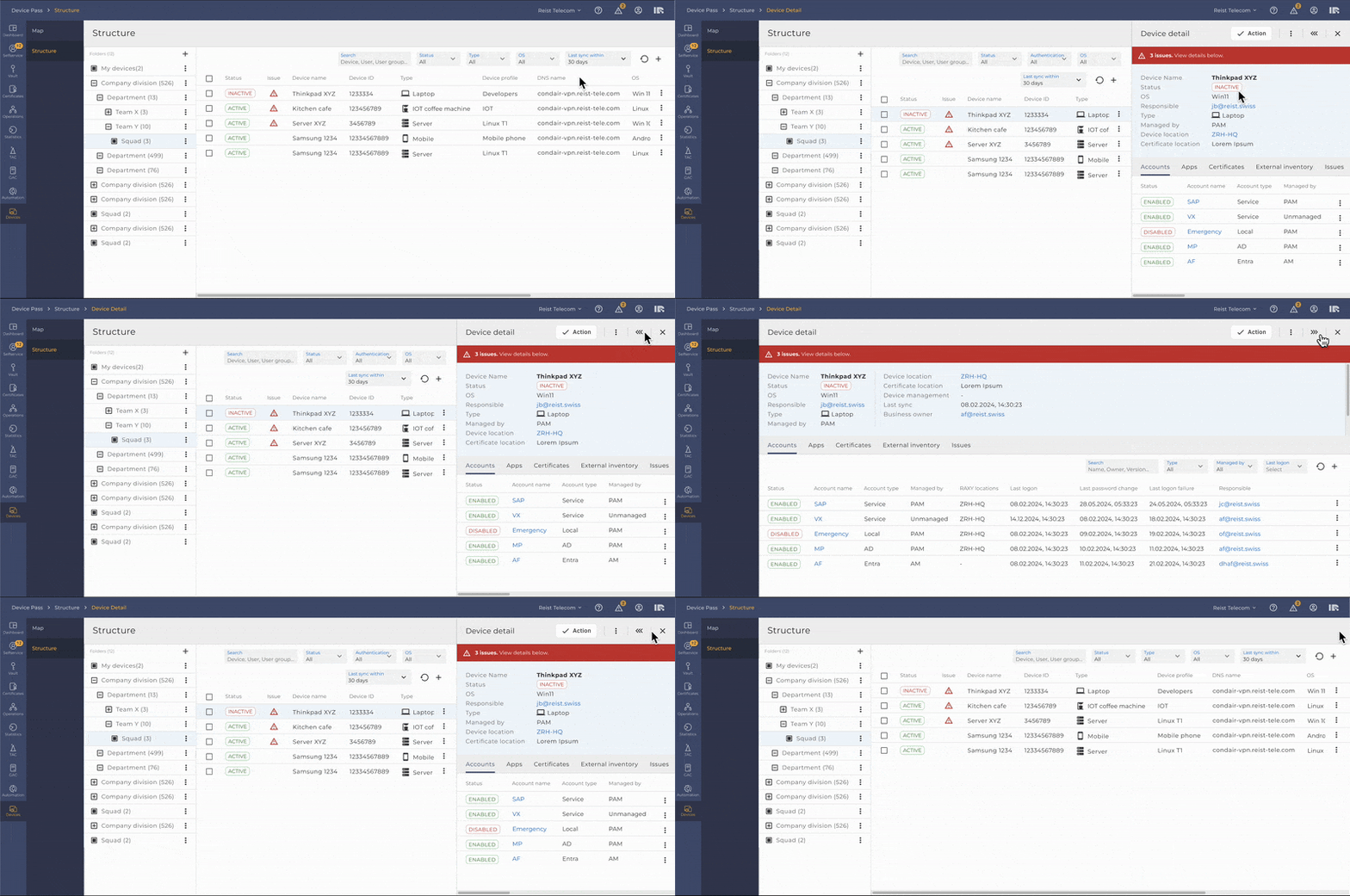
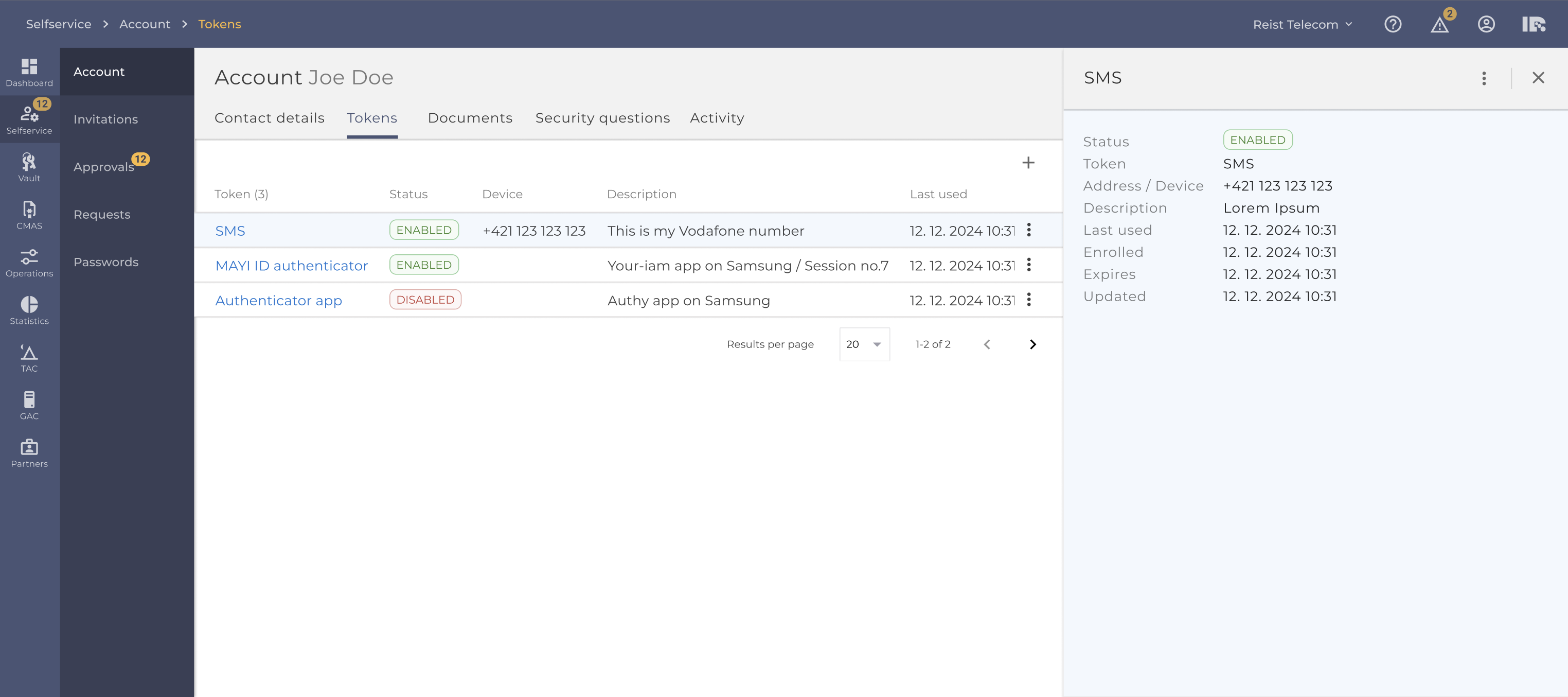
Detail drawer
Most items in the table open a detail from right side>
Content of this detail can be from simple with only few lines of text - to complex featuring alerts, tabs, and multiple actions to perform.
User can have this detail open while still allowing to work with the table data on left side.
Extended detail drawer
This detail drawer can be extended to almost fill width and collapsed back to its original width.
When coming back to the page and opening the drawer again it will open in width that was last visited.