vSEC Devices
All vSEC devices were completely decomissioned in Summer 25 Update.
The vSEC devices is the part of the application that exclusively serves the needs of the management of vSEC cards.
Available actions for users with appropriate privileges:
|
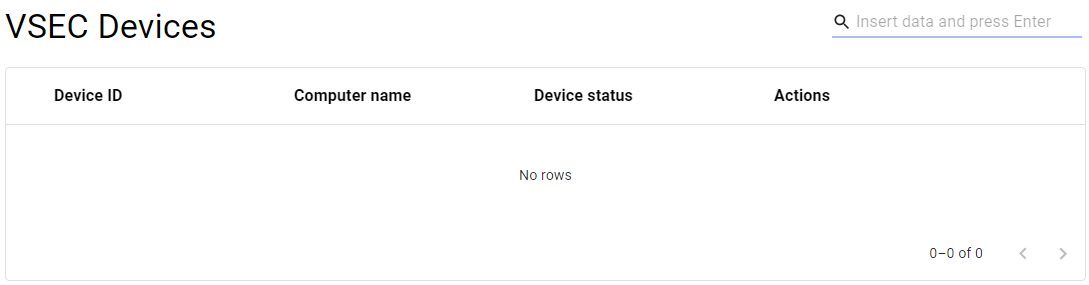
Displays a list of vSEC devices (the list is not available when you open the page, but you have to enter some search parameters and search) |
||
|
|
Removes vSEC devices. |
|
|
|
Creates a request to issue a new vsec card within the device. |


List of vSEC devices
|
1 |
Open the vSEC Devices option in the Operational Console menu. |
|
|
2 |
A new page with the empty list of devices will be displayed |
|
|
3 |
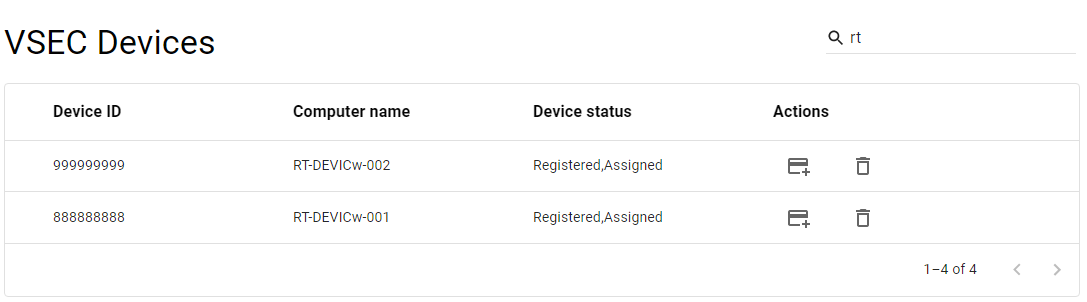
Search for the desired device - use the Search function [ |
|
|
4 |
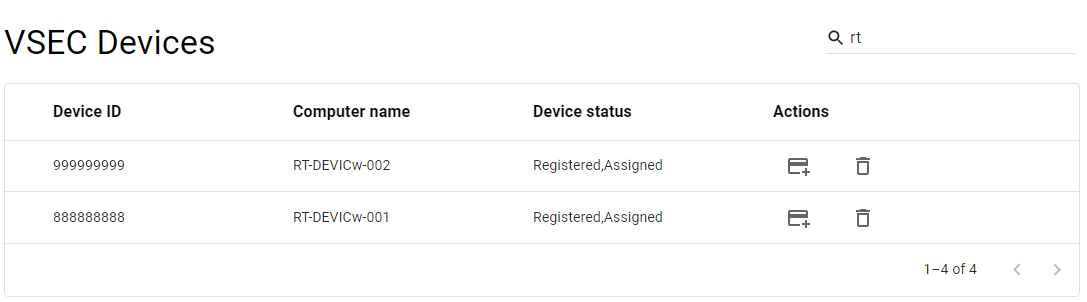
The relevant devices will be displayed |
|
|
5 |
Mouse click on the record will display a list of vSEC cards connected to a specific vSEC device. |
|


Delete vSEC devices
|
1 |
Open the vSEC Devices option in the Operational Console menu. |
|
|
2 |
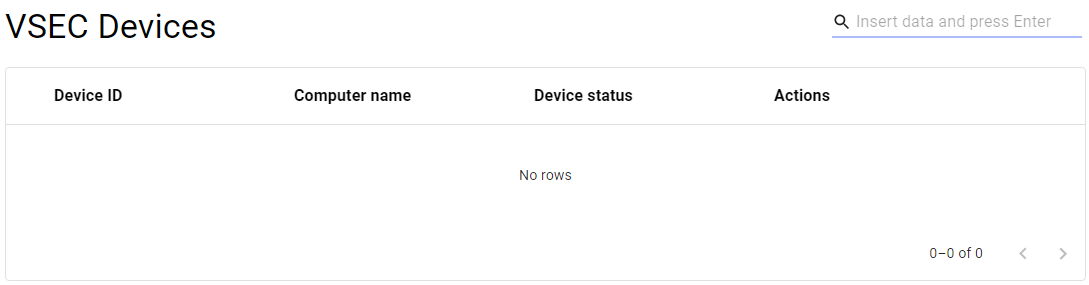
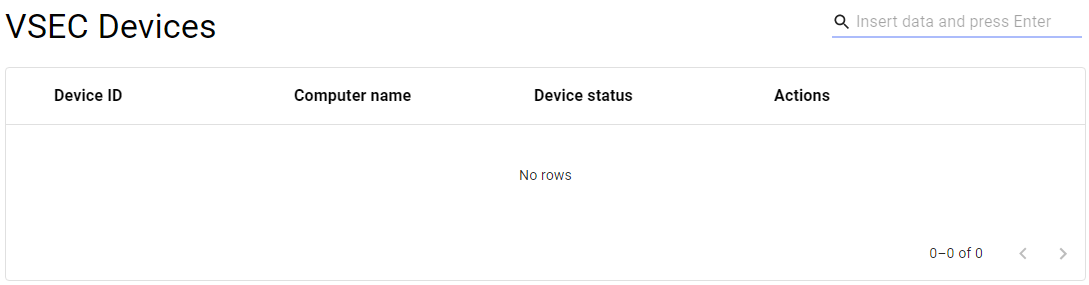
A new page with the empty list of devices will be displayed |
|
|
3 |
Search for the desired device - use the Search function [ |
|
|
4 |
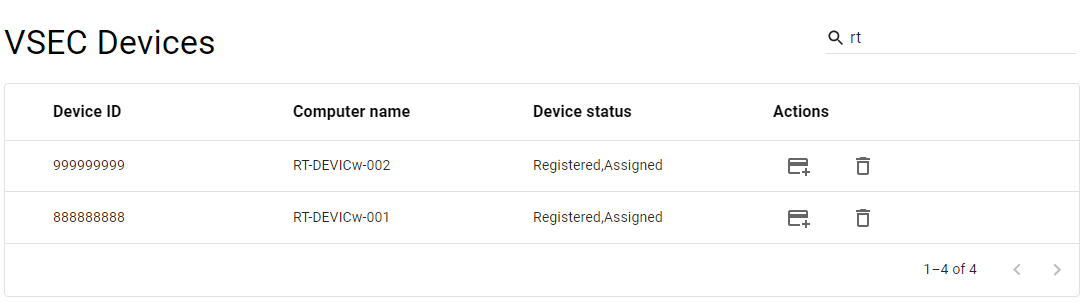
The relevant devices will be displayed |
|
|
5 |
Press the DELETE button [ |
|
|
6 |
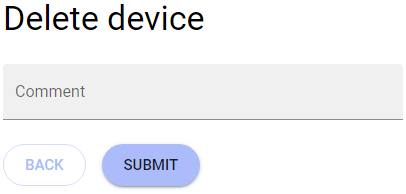
A new page for confirmation of deletion is displayed |
|
|
7 |
Insert the reason and press the SUBMIT button |
|
|
8 |
The device will be deleted. |


Issue a new vSEC card in the device
|
1 |
Open the vSEC Devices option in the Operational Console menu. |
|
|
2 |
A new page with the empty list of devices will be displayed |
|
|
3 |
Search for the desired device - use the Search function [ |
|
|
4 |
The relevant devices will be displayed |
|
|
5 |
Press the ISSUE NEW CARD button [
|
|
|
6 |
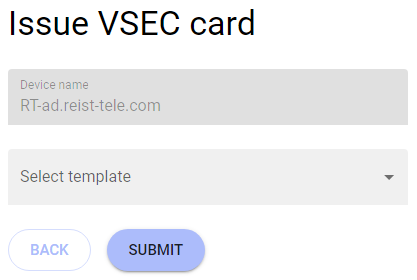
A new page for specifications of the card will be displayed |
|
|
7 |
Choose the relevant template and press the SUBMIT button. |
|
|
8 |
A new card will be issued. |